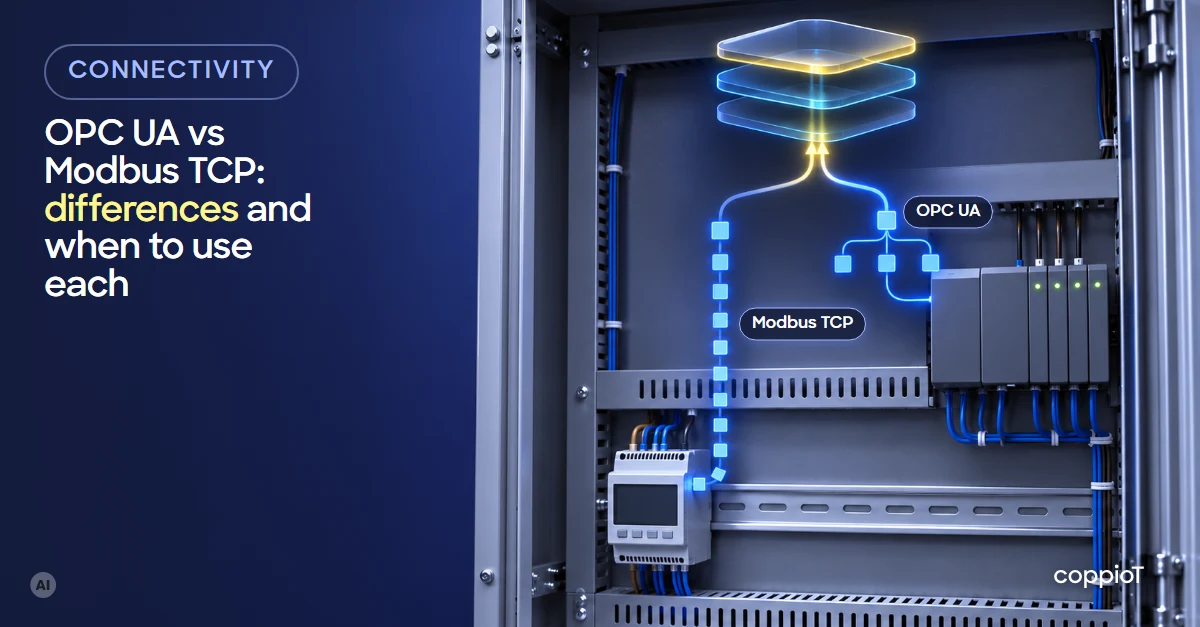
Modbus TCP is simple and almost universal: you read numbered registers, and you need the manufacturer’s register map to know what each one holds. OPC UA¹ is newer: the device publishes its variables with names, data types and units, and security is built in. In a real plant you rarely pick one: energy meters and much auxiliary equipment speak Modbus, modern PLCs speak OPC UA, and the usual answer is to read both and bring the data into one system.
What is Modbus TCP and how does it work?
Modbus is one of the oldest industrial protocols: Modicon created it in 1979 for its PLCs², and today it is maintained by the Modbus Organization. It comes in two common flavours: Modbus RTU³, over a serial line (RS-485⁴), and Modbus TCP⁵, over the plant’s Ethernet network, usually on port 502.
It works by request and response: a client (the gateway or the SCADA⁶) asks “give me registers 3000 to 3010” and the device answers with those numbers. The data lives in four tables:
| Table | What it holds | Example |
|---|---|---|
| Coils | Bits you can read and write | A start command |
| Discrete inputs | Read-only bits | An alarm status |
| Input registers | Read-only 16-bit numbers | A voltage reading |
| Holding registers | 16-bit numbers you can read and write | A setpoint or a counter |
What the protocol does not tell you is what each register means. That is in the register map, the manufacturer’s document, and that is where the time-wasting details show up:
- 32-bit values split across two registers, in an order that changes from one manufacturer to the next.
- Scale factors: a register reading 2345 may mean 234.5 V (an illustrative example).
- Addresses that some documents count from 0 and others from 1 (the famous 40001).
Without the map, reading Modbus is guesswork.
What is OPC UA and how does it work?
OPC UA is a standard from the OPC Foundation, first published in 2006 and later adopted as the IEC⁷ 62541 standard. It was designed so that devices from different manufacturers can understand each other without separate documentation.
The device, usually a PLC with an OPC UA server, organises its data as a tree of nodes: Machine › Oven › Temperature, each with its name, its data type and often its units. A client connects, browses that tree and picks which variables to read. It can also subscribe, so the server tells it when a value changes instead of being polled all the time.
Security is part of the standard: certificates so client and server recognise each other, users with passwords, and encrypted communication.
What are the differences between OPC UA and Modbus TCP?
| Modbus TCP | OPC UA | |
|---|---|---|
| How the data looks | Numbered registers, no names | Variables with name, type and units |
| What you need to read it | The manufacturer’s register map | Enable the server and pick the variables |
| Finding out what data exists | Not possible: you must know in advance | Browse the variable tree |
| Security | None in the classic version | Certificates, users and encryption |
| Where you find it | Energy meters, drives, compressors, chillers, PLCs of any age | Modern PLCs, SCADA, new equipment |
| Device resources | Very few: fits in a basic meter | More memory and processing power |
| Using the protocol | Open and free | Open; some PLCs need a licence to enable their server |
When should you use Modbus TCP and when OPC UA?
You rarely choose: you use whatever each device has. This is the most common picture:
| Equipment | Usually | What to keep in mind |
|---|---|---|
| Power analyser or energy meter | Modbus TCP or RTU | The register map is in the manual |
| Compressor, chiller or other auxiliary equipment | Modbus, sometimes as an optional module | Ask the manufacturer for the map and, if needed, the communication card |
| Modern PLC (Siemens S7-1200 and S7-1500, Beckhoff with TwinCAT 3 or later) | Both; we recommend OPC UA | Enable the server, with a licence if the manufacturer requires one, and choose which variables to publish |
| Older PLC or device with a serial port | Modbus RTU | A gateway with an RS-485 port |
| A line with equipment from several brands | Both at once | Bring them into one system, organised like the plant |
Almost every modern PLC supports both, and then we recommend OPC UA: variables arrive with their names, there is no register map to maintain, and the connection is protected. Modbus is still the quick route for meters and simple equipment, and the only one on many devices already installed.
Either way, reading the PLC does not mean changing the machine’s logic. At most, the PLC’s communication is enabled or configured. Ways to connect equipment that has neither are in how to connect legacy machines to the cloud, and where to put the meters in energy monitoring in manufacturing.
Is Modbus TCP secure?
In its classic version, no: it asks for no user or password, and data travels unencrypted. Anyone who reaches that network can read the registers and, if the device allows it, write them. There is an encrypted version, Modbus/TCP Security, published in 2018 on top of TLS⁸, but few devices support it yet.
That is why Modbus TCP should stay on a separate plant network with no access from outside, and the data should leave through a single controlled point. OPC UA, on the other hand, comes with certificates and encryption, but they have to be configured: a server with security switched off is as open as Modbus. We go into more detail in industrial IoT security.
How we do it with coppioT
coppioT is engapplic’s no-code industrial IoT platform: it connects PLCs, energy meters and other equipment of any brand to the cloud, in one data system and with no programming needed. Today it reads OPC UA, Modbus RTU and TCP, analogue inputs and pulse counters, and if your equipment speaks another protocol, tell us and we will make it compatible.
- With OPC UA, you pick the server’s variables and, for each one, how often it is read and whether it is sent only when it changes.
- With Modbus, you add the device with its register map. And since coppioT can also be run from an AI assistant such as Claude, you can give it the device’s PDF manual and it adds the device for you.
- Everything is organised like your plant (Plant › Line › Machine), whatever protocol it comes from. Your charts and reports live in the tools you already know, Grafana or Power BI.
If you are not sure what your machines speak, we start with a short, fixed-price consultancy with engapplic: we review the equipment, what data it has and which way to read it. Then a pilot on one or two machines, and scaling to the rest of the plant. It is how we worked on the paint booth we have connected at a RACC-AXA workshop in Barcelona, with the integrator Sinnek.
All of that in days, not months: up to 90% faster than building it by hand.
Frequently asked questions
How do you collect machine data from equipment with different protocols, like OPC UA and Modbus?
With a gateway in the plant that reads each device in its own protocol and sends everything to one system, where the data is organised by plant, line and machine. That way an OPC UA PLC and a Modbus energy meter end up side by side, and you can cross their data.
Can you convert Modbus to OPC UA?
Yes. There are gateways that read Modbus devices and publish their data as an OPC UA server, with names. It helps when a system can only read OPC UA, although someone still has to set up once what each register means.
Which PLCs have an OPC UA server?
Most current PLCs. For example, the Siemens S7-1200 (from firmware V4.4) and S7-1500, or Beckhoff controllers with TwinCAT 3 or later, except the odd industrial PC with a real-time operating system that does not support it. Some need a licence to enable it. Almost all of them also have Modbus. Older models usually speak Modbus or a manufacturer’s own protocol.
Will OPC UA replace Modbus?
On new, complex equipment, more and more. But Modbus will stay for many years in meters, drives and auxiliary equipment, because it is cheap, simple and already installed in a huge number of devices. The practical approach is to work with both.
Do you have to change the PLC program to read it?
Usually the machine’s logic does not change. At most, the PLC’s communication is enabled or configured: the OPC UA server or the Modbus registers you want to publish.
Do you have equipment with Modbus, OPC UA or both? Request a demo: fill in the form, tell us which machines and PLCs you have, and we will show you how we would read them.
Acronyms
¹ OPC UA (Open Platform Communications Unified Architecture): an industrial communication standard to read data from a PLC or other device securely, with its name and type.
² PLC (Programmable Logic Controller): the controller that runs the machine; for example, a Siemens S7 or a Beckhoff.
³ RTU (Remote Terminal Unit): the version of Modbus that runs over a serial line.
⁴ RS-485: a two-wire serial connection, very common in meters and industrial equipment.
⁵ TCP (Transmission Control Protocol): the protocol of Ethernet networks and the internet; Modbus TCP is Modbus over that network.
⁶ SCADA (Supervisory Control and Data Acquisition): the system that displays and supervises the process in the plant.
⁷ IEC (International Electrotechnical Commission): the international body that publishes electrical and electronic standards.
⁸ TLS (Transport Layer Security): the encryption that protects the communication, the same one websites use with “https”.


